AMK Platform guide

Help Center

Short guides for reading, saving, and publishing Malayalam stories and PDF novels.

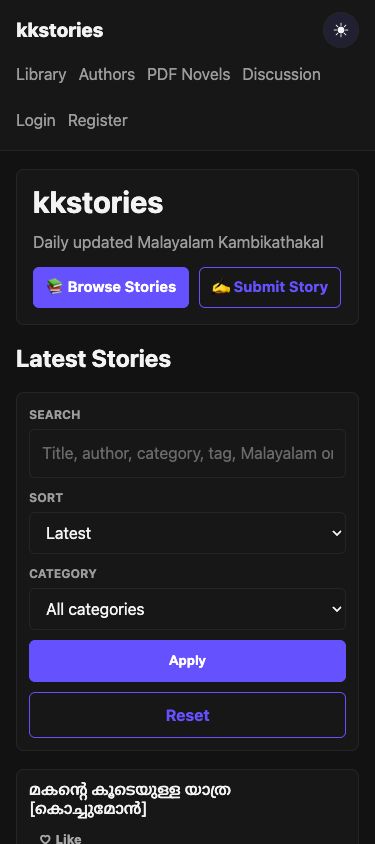
AMK Platform homepage showing Browse Stories and Submit Story links

01

Getting Started

Start from the homepage to browse the latest Malayalam stories or submit your own work.
  1. Choose Browse Stories to open the library.
  2. Use Search, Sort, and Category to narrow the list.
  3. Select a story title to open its detail page.
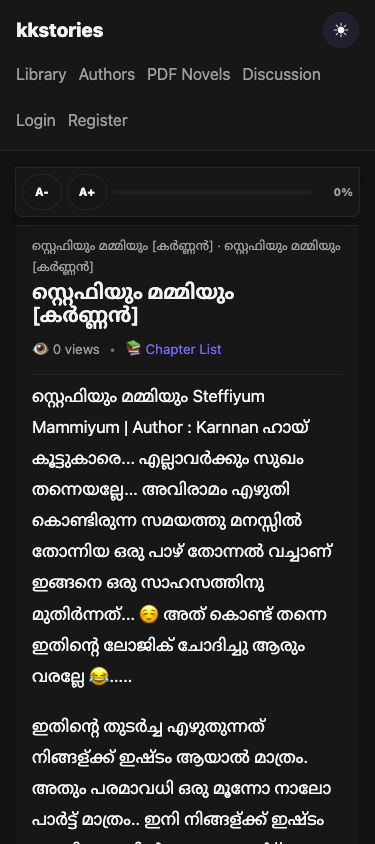
Malayalam chapter reader showing the chapter title and reading controls

02

Reading Stories

Story pages list every published chapter in reading order.
  1. Open a story and choose a chapter number.
  2. Read the Malayalam chapter text in the reader.
  3. Use Previous or Next to move between visible chapters.
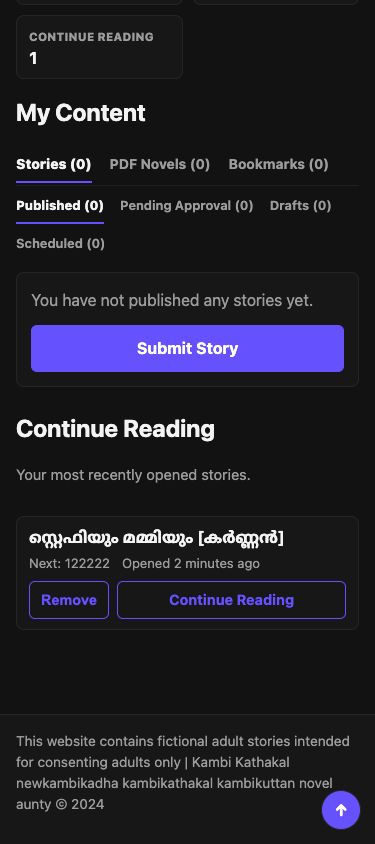
AMK dashboard Continue Reading section with the next chapter link

03

Continue Reading

Signed-in readers can return directly to the next unread chapter.
  1. Sign in and read at least one chapter.
  2. Open Dashboard and find Continue Reading.
  3. Choose Continue Reading, or Remove to clear that progress.
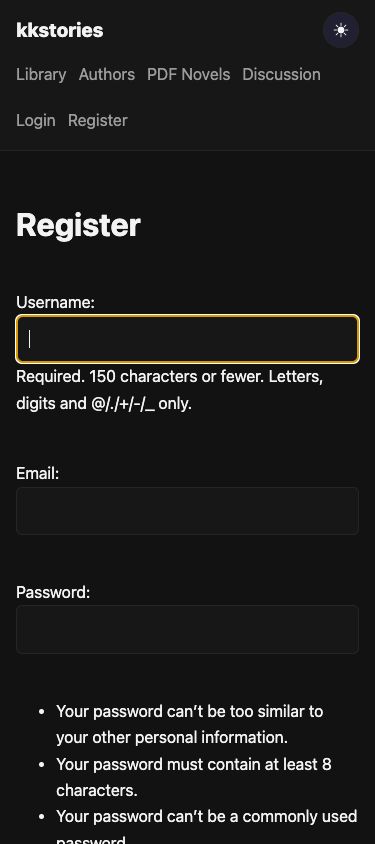
AMK Platform account registration form on mobile

04

Creating an Account

An account keeps bookmarks, reading progress, comments, and submissions together.
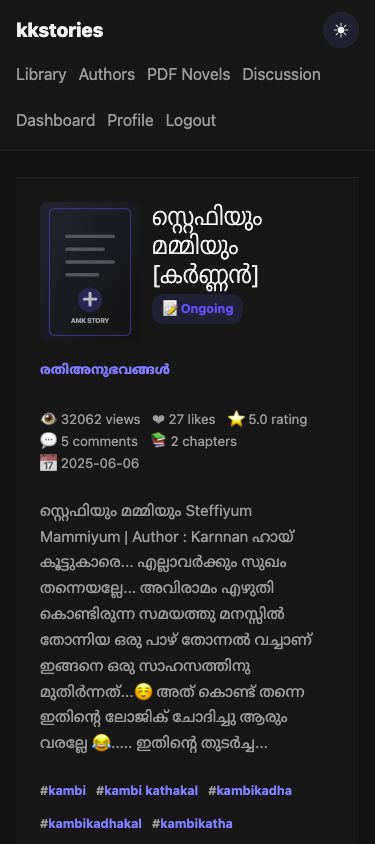
  1. Choose Register from the site navigation.
  2. Enter a username, email address, and strong password.
  3. Create the account, then sign in from the Login page.
Signed-in story page showing Like and Bookmark actions

05

Bookmarking Stories

Bookmarks save stories to your account without changing reading progress.
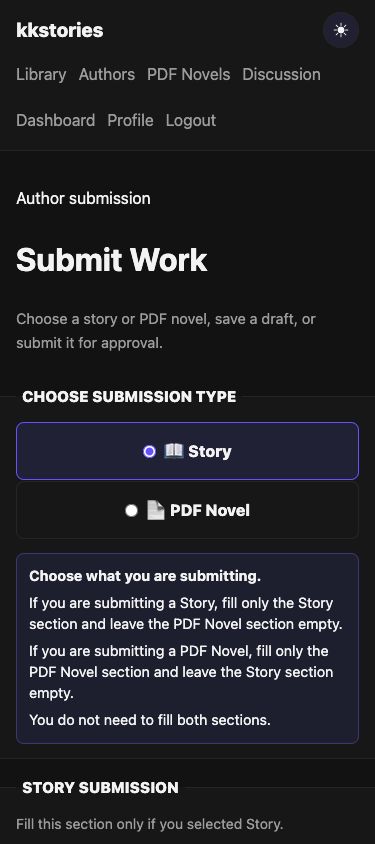
  1. Sign in and open a story detail page.
  2. Choose Bookmark below the story information.
  3. Open Dashboard, then Bookmarks, to find it later.
AMK story submission form with Story selected

06

Submitting Stories

Submit a new story with its description, categories, cover, and first chapter.
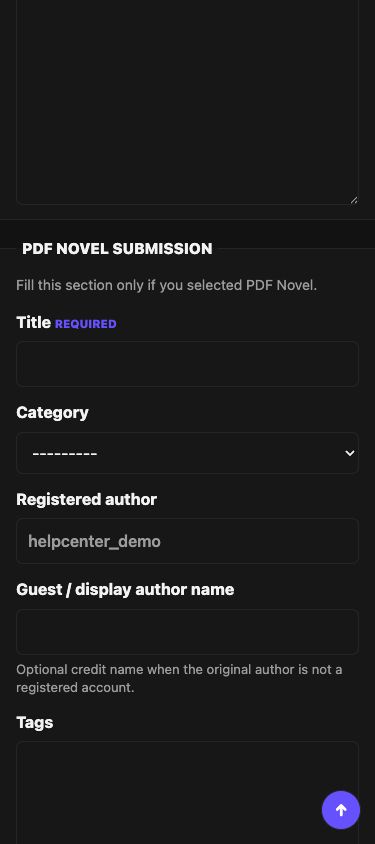
  1. Choose Submit Story and select Story.
  2. Add the title, category, description, and first chapter.
  3. Save a draft or submit the completed form for approval.
AMK submission form with PDF Novel selected

07

Uploading PDF Novels

PDF novels use the same submission page and are reviewed before publication.
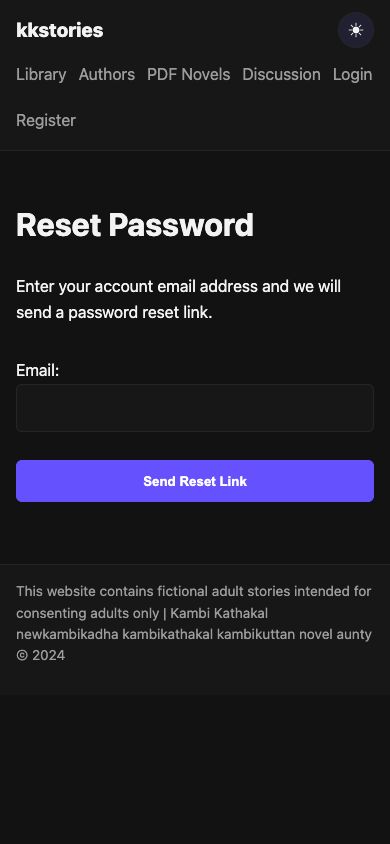
  1. Open Submit Story / PDF Novel and select PDF Novel.
  2. Add the title, description, category, cover, and valid PDF file.
  3. Submit for approval. PDF files may be up to 50 MB.
AMK Platform password reset email form

08

Password Reset

Use the reset flow when you cannot sign in with your current password.
  1. On Login, choose Forgot your password?
  2. Enter the email address used for your account.
  3. Open the email link and choose a new password.
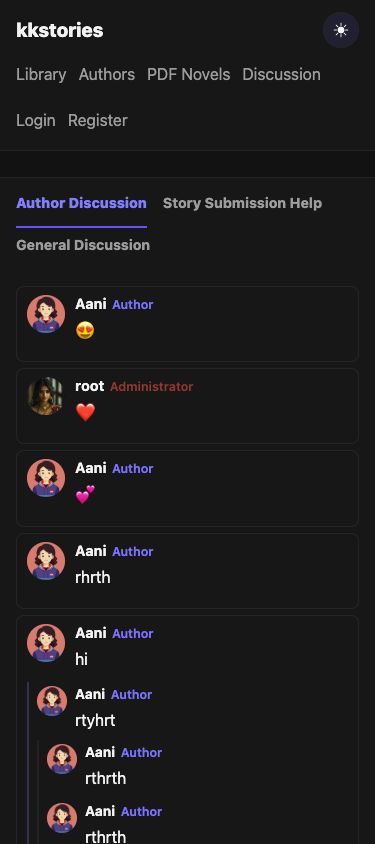
AMK Platform discussion page for community questions

09

FAQ

  1. Do I need an account to read stories?

    No. Public stories, chapters, PDF novels, authors, and discussions can be browsed without an account.

  2. Why is a submitted story not visible immediately?

    New submissions are reviewed before publication. You can check pending work from your dashboard.

  3. Where can I find stories I bookmarked?

    Sign in, open Dashboard, and choose Bookmarks to see your saved stories.

  4. What files can I upload?

    Story covers use supported image formats. PDF novel submissions require a valid PDF file up to 50 MB.

  5. How do I get more help?

    Use the Discussion page for general community questions. Account-specific or moderation matters should be sent through the site's contact channel.

Open Discussion →